Guide
No designer? Borrow a proven design system for your app
You know good design when you see it, but you can't produce it from scratch. You don't have to. Pick a product you admire, take its design system as a DESIGN.md, change the parts that make it theirs, and your coding agent has a proven system to build your app with.
Proven means tested on real users: type that reads well, spacing that breathes, buttons that look like buttons. You keep that, and swap in your own identity.
Written for solo founders and small teams. Updated .
What you'll get
- A short list of what makes a good reference site, so you pick one that fits your product.
- A DESIGN.md you can drop into your repo as your starting design system.
- A clear split between what to keep (type scale, spacing, radii, component shapes) and what to change (brand color, logo, fonts, voice).
- A prompt that makes the swap for you, and a check that the result still reads well.
How to pick a reference site
The site you borrow from decides most of how your app will feel, so spend ten minutes here. A good reference has these traits:
- The same kind of product. A dashboard borrows well from another dashboard, not from a fashion store.
- A similar density. If your app is forms and tables, pick a site with forms and tables, not a single big hero.
- One clear action color. When a single color marks what to click, rebranding means swapping that one color family.
- Type you can read. Open the site on your phone and read a paragraph. If it is comfortable, the type scale is worth taking.
- Light or dark, the way you want it. Turning a dark-first system into a light one is a redesign, not a tweak.
- A look that is not the brand itself. If you would recognize the site from its color alone, you would have to change too much of it.
The DESIGN.md gallery can be filtered by category, which makes it quick to compare a few candidates.
Steps
Shortlist two or three sites
Use the traits above. Screenshots of the screens you like help you decide later.
Get the DESIGN.md of your favorite
Copy it from its gallery page, or paste the URL on the Design Extractor home page and run a Pro extraction. Pro samples the site's key pages and returns one file with colors, typography, spacing, radii and component recipes. New to the format? Read what a DESIGN.md is.
Make it yours
Change the brand color family, the fonts if they are commercial, the name and the voice. The prompt below does it in one go.
Put it in your repo and point your agent to it
Save it as DESIGN.md in the repository root. The Claude Code and Cursor guide has the pointer to add.
Check it
Paste the edited file into the free DESIGN.md Validator. It checks the structure and flags text colors with too little contrast.
Worked example: Notion
Say you like how Notion feels. Here is its design system as the gallery DESIGN.md records it, and what you would keep and change.
Colors
Typography
Shapes
Notion's first 12 colors, 6 type styles and 4 radii, rendered from its DESIGN.md. Click a swatch to copy the hex value.
What to keep and what to change
| Part of the file | In Notion's DESIGN.md | What to do |
|---|---|---|
| Type scale | hero-display, 96px, weight 600 down to body, 16px, weight 400 | Keep |
| Radii | xs 4px, sm 8px, md 12px, full 9999px | Keep |
| Neutrals | surface #FFFFFF, ink #000000 | Keep |
| Component shapes | 14 component recipes with sizes, padding, borders and states | Keep |
| Brand color | primary #0075DE, primary-focus #0075DE, primary-link #097FE8, primary-pressed #005BAB, primary-tint #E6F3FE | Change to your color and its shades |
| Fonts | Notion Inter, Lyon Text | Keep only if free to use, otherwise use a stand-in |
| Name | name: Notion | Change to your product's name |
| Voice | The Overview describes their personality | Rewrite it in a sentence or two about yours |
| Logo and imagery | Not in the file | Bring your own logo, icons and illustrations |
### Note on Font Substitutes
Notion Inter is a proprietary cut; use open-source **Inter** (variable) and keep the token tracking values exactly, since the negative display tracking is calibrated for Inter's metrics. Lyon Text is commercial; substitute **Source Serif 4** or **Newsreader** at the `quote` size and 1.55 line height, or fall back to Georgia as the site's own stack does. Check that the serif's x-height doesn't make 18px quotes read larger than surrounding 16px body.
Extracted from Notion's public website, not official brand guidelines. Read the full Notion DESIGN.md
Make it yours with one prompt
Your coding agent can do the edit. Open the repo with DESIGN.md in it and paste a prompt like this, with your own name, color and sentence in place of Acme's. It was written for this guide with Notion's real token names.
Make DESIGN.md our own design system:
- Rename it from "Notion" to "Acme" in the front matter name and the title.
- Replace primary (#0075DE) with our brand color #2F6FEB, and recompute primary-focus, primary-link, primary-pressed, primary-tint as matching shades.
- Replace the old primary hex values everywhere they appear, including in the component recipes.
- Where Notion Inter or Lyon Text is a commercial font, swap it for the open-source stand-in the Typography section names.
- Rewrite the Overview in our voice: Acme helps small teams plan their week.
Keep every other token as it is, and check that text on the new primary meets 4.5:1 contrast.
Then read the diff. Hex values change in two places: the colors tokens at the top, and the CSS of each component recipe further down. Both have to move together, or buttons keep the old color.
Why not to copy a brand wholesale
A borrowed system is a starting point, not a disguise. Shipping someone else's look unchanged hurts you more than it helps:
- People notice. An app that looks like a famous product with a different name reads as a copy, and that costs trust.
- The identity is not yours to take. Logos, product names, signature colors, illustrations and copy belong to the brand. Spacing, type sizes and radii are the shared craft you can learn from.
- Fonts come with licenses. A commercial font on their site does not come with a license for yours.
- You will want to grow it. Once the colors and voice are yours, adding screens feels like building your product, not someone else's.
The rule of thumb: keep the structure, change the identity. At minimum swap the brand color, the logo, any commercial font and the voice. Gallery files are extracted from each brand's public website, not official brand guidelines, and the same goes for anything you extract.
Files used in this guide
Good starting points from the gallery. Each page has the full DESIGN.md, its palette and its type specimen.
 Software & SaaS · Productivity & Notes
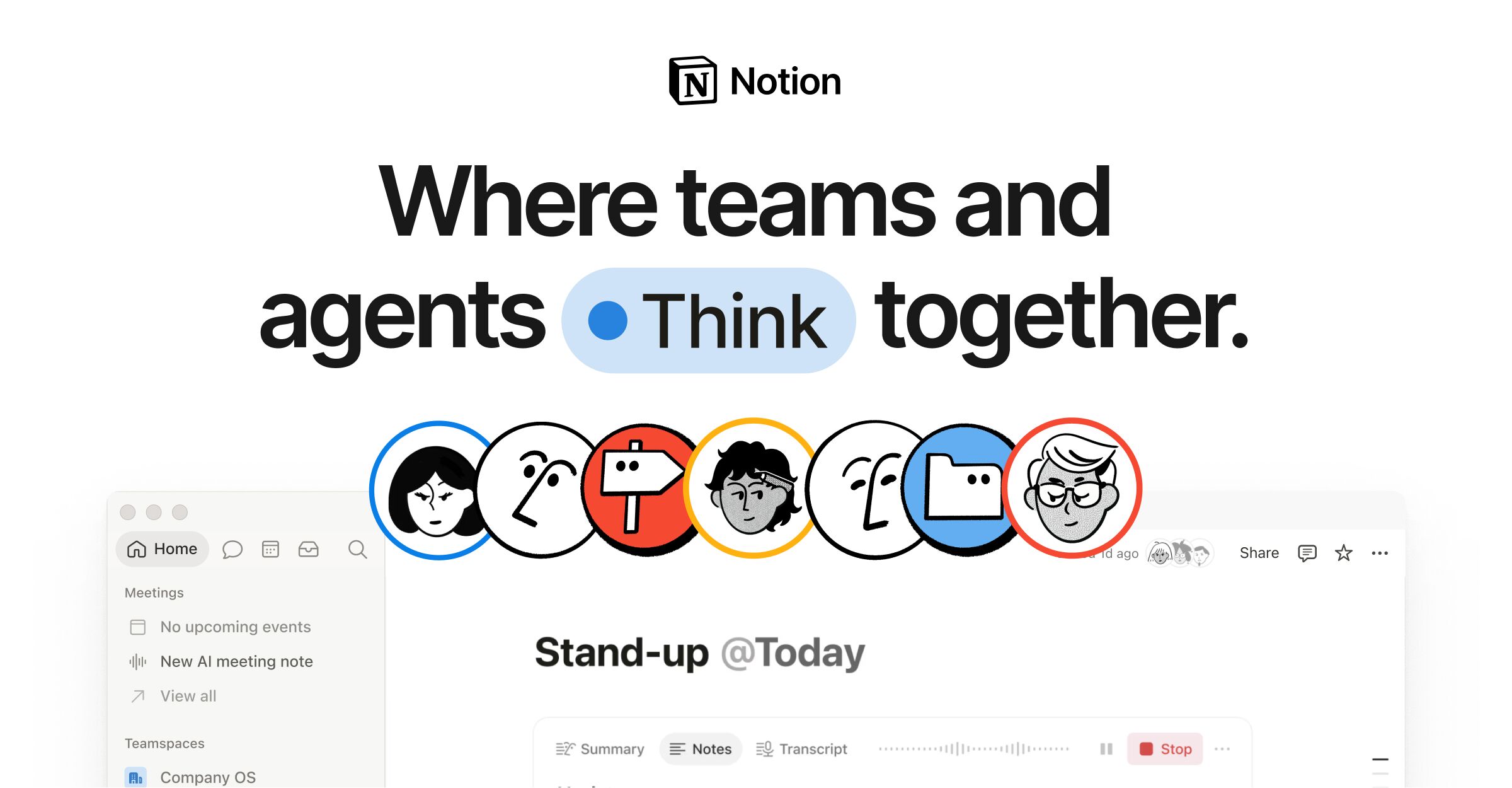
Notion
Notion's marketing homepage pairs a deep navy (#02093a) hero section with a light (#f6f5f4) body, using a custom typeface (NotionInter) across all text roles. The design employs a 12-column grid with 28px gutters, a dual-radius language (8px for cards, 9999px for pills), and a multi-layer progressive shadow system for floating UI elements. Brand blue (#2537b1) drives CTAs and accent highlights, while a semantic gray-scale ladder (gray-200 through gray-900) structures all text and surface hierarchy.
 Travel, Transport & Logistics
Airbnb
Airbnb's design system is built around a single proprietary variable font (Airbnb Cereal VF), a near-monochrome neutral palette anchored by deep charcoal (#222222) and light grays, with the brand's signature "Rausch" coral-pink (#ff385c) reserved exclusively for primary CTAs and the logo. The layout is a responsive photo-card grid with generous image-to-text ratios, soft 20px rounded corners on cards, and a multi-layer ambient shadow system that creates subtle depth without harsh contrast. The search bar is a prominent pill-shaped container that unifies the core user action.
 Business & Professional Services
Shopify
Shopify's marketing homepage uses a dramatic full-bleed video hero with a near-black (#02090a) background that contrasts sharply with the white navigation bar above. The primary brand accent is a vivid mint green (#36f4a4) used sparingly for highlights and interactive states. Typography is split between NeueHaasGrotesk for display/editorial headings and Inter-Variable for UI body copy. CTAs use fully-rounded pill shapes (border-radius: 9999px). The overall system is confident, high-contrast, and aspirational — built to convert visitors into merchants.
FAQ
Borrow a design system without a designer: questions
Short answers to what people ask before they try this.
Using a site's spacing, type sizes and corner radii as a starting point is how most interfaces are made. Copying its identity is not okay: its logo, name, signature brand color, illustrations or copy. Change those, and use a commercial font only if you license it. Gallery files are extracted from public websites, not official brand guidelines.
Many brands use commercial or custom fonts. The DESIGN.md names each family in its typography tokens, and its Typography section usually suggests an open-source stand-in with notes on tracking and weights. Use the stand-in, or pick a free font with similar proportions.
Reading and copying a file from the gallery costs nothing. Extracting a site you choose uses prepaid credits: a Pro extraction costs 10 credits and packs start at $5 for 50 credits. Credits never expire and there is no subscription.
No. It is a text file: colors are hex values, fonts are names, sizes are pixels. Change the values, or ask your coding agent to make the change for you, then check the result with the free DESIGN.md Validator, which also flags text colors with too little contrast.
Found a site you admire?
Paste its URL and get its design system as a DESIGN.md, ready to make your own.
Related guides
Make Claude Code and Cursor build UI that matches a website
Extract a site you like, drop its DESIGN.md into your repo and point your agent to it, with the exact prompts for Claude Code and Cursor.
Rebuilding your site? Extract its design system first
Capture your current site as a DESIGN.md before a rebuild, rebrand or framework move, and know what to check by hand.
Blend two reference sites into one design for a prototype
Compare two extracted DESIGN.md files token by token and merge them into one spec for a prototype, by hand or with your agent.
Give your coding agent design specs on demand with MCP
Connect the MCP server so your agent can extract a site's DESIGN.md on its own, wait for it and build from it.